


Your data stays with you
Everything is stored in SharePoint lists in your tenant. Nothing is hosted by Bret Software or by a third-party service.

# our approach
Rather than one more online service, our apps install in the Microsoft 365 environment you already use.
Everything is stored in SharePoint lists in your tenant. Nothing is hosted by Bret Software or by a third-party service.
Standard Microsoft connectors only: no Power Apps Premium licence, provided your Microsoft 365 plan includes Power Apps and Power Automate.
We install the app in your tenant, configure it and support your administrators, in a single day.
Hosting, security and availability are handled by Microsoft. No infrastructure to manage on your side.
# featured
Each one meets a specific need. All share the same principle: installed in your tenant, with no external server.

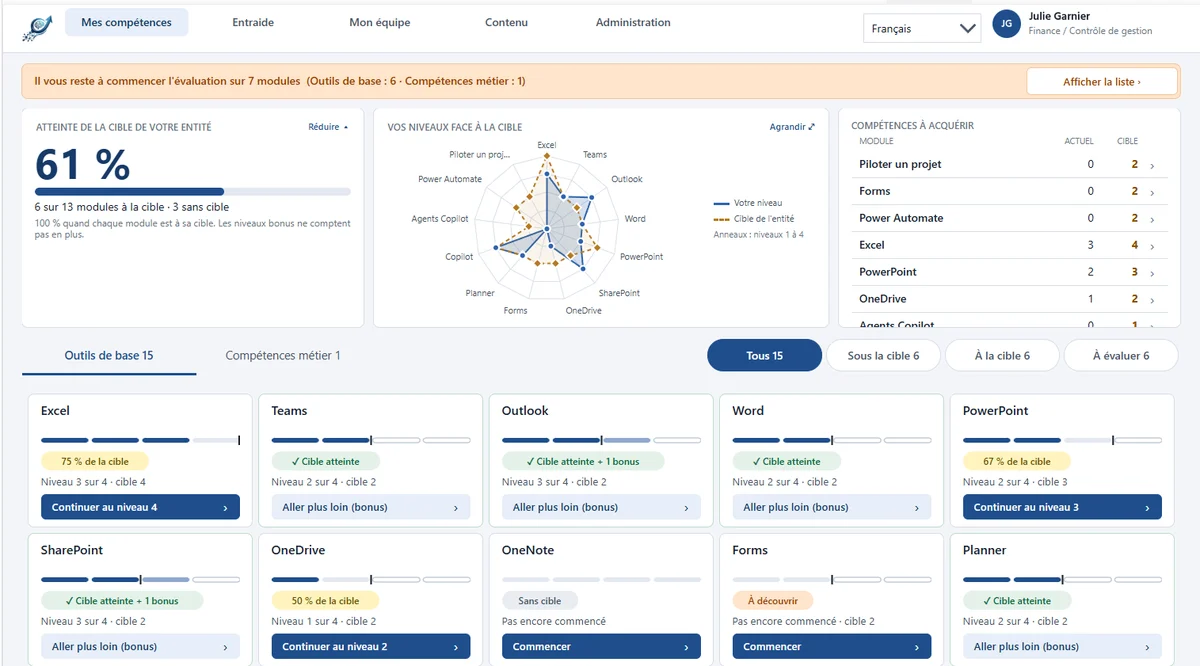
Assess your skills, grow with your colleagues.
Everyone self-assesses, tracks their targets and finds the colleague who can help in one click, right in Teams.

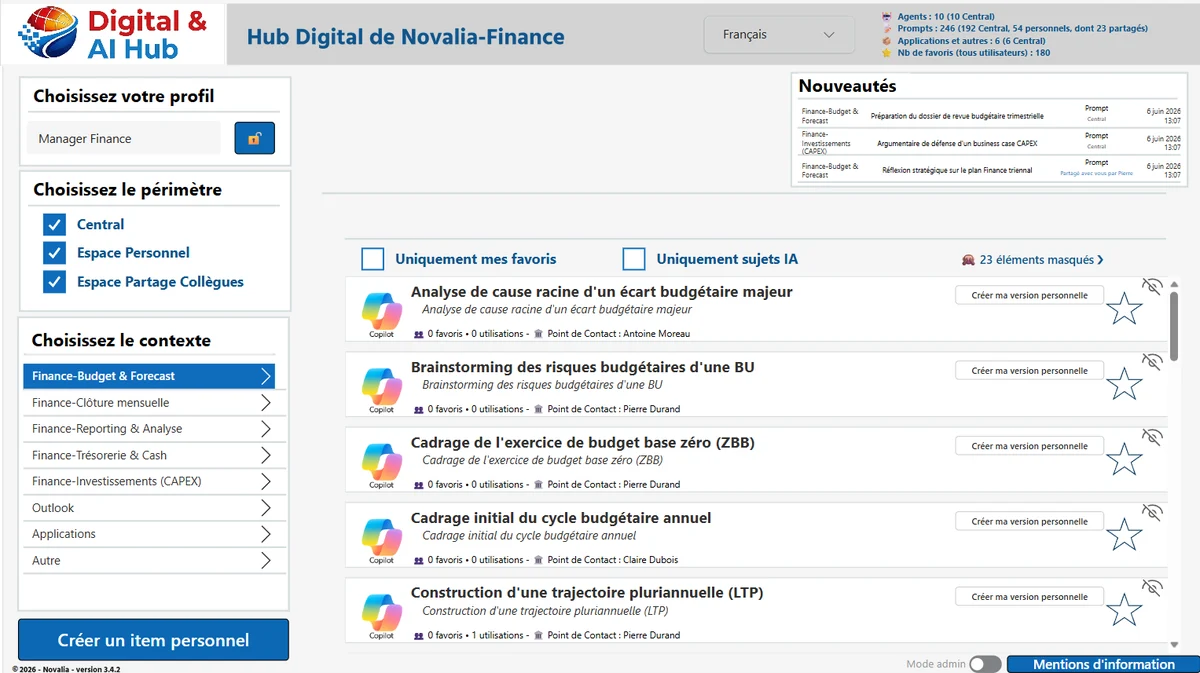
Your teams' AI catalogue, inside your Microsoft 365.
Prompts, Copilot agents, flows, reports and files in one catalogue, filtered by each user's profile.

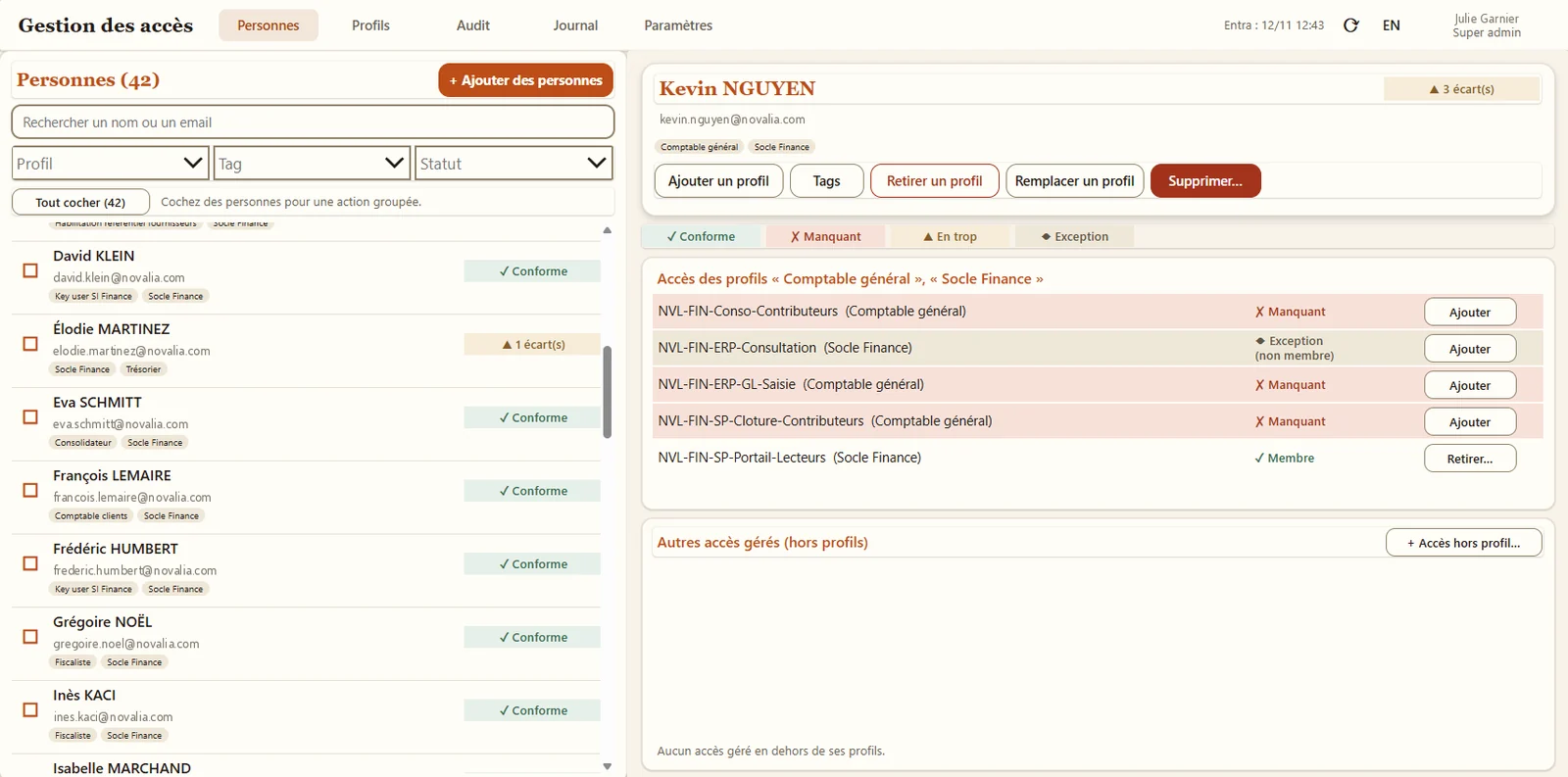
The right access, for the right people. With proof.
Manage business profiles, not groups: Entra ID groups follow, every gap is detected and every exception has an end date.
# by area
All our apps, organised by area. They install the same way in your tenant, on their own or together.
Prompt and AI agent catalogueDigital & AI HubYour teams' AI catalogue, inside your Microsoft 365. AI governanceBS-AI RegisterThe register of AI uses in your organisation.Skills and peer helpHelp Me To LeapAssess your skills, grow with your colleagues.
 Internal votes and contestsBS-Vote & ContestPhoto contests, ideas and polls, with reliable voting.
 Employee onboardingBS-OnboardingMake every new hire's arrival a success.
 Knowledge baseBS-Knowledge HubAnswers to your internal questions, in one place.
# how it works
We show you the app in a demo environment, with fictitious data.
You set up a SharePoint site, the required accounts and your initial settings: profiles, catalogue, administrators.
We install the app in your tenant, configure it and support your administrators.
One month of hypercare after go-live, then application maintenance on quotation for new versions and enhancements.
# also published by Bret Software
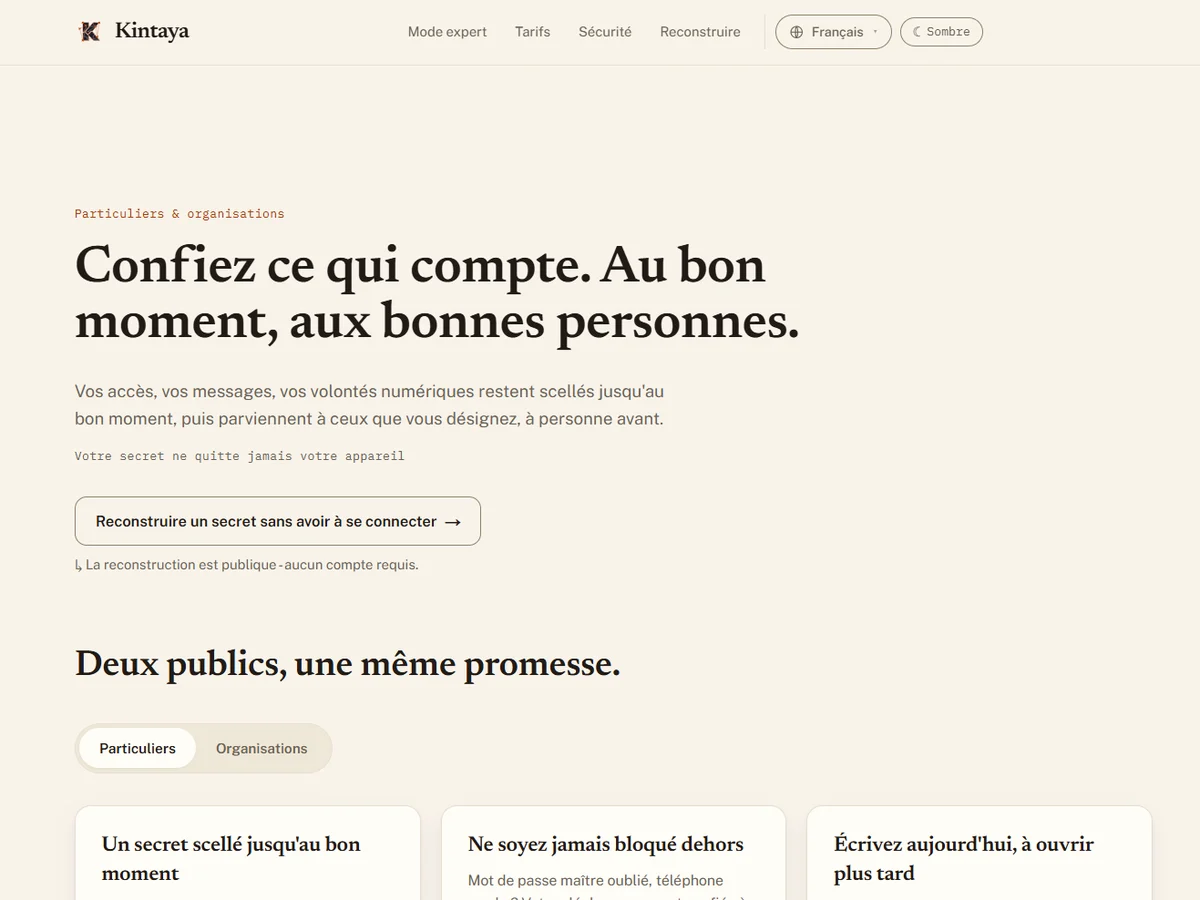
 KINTAYA
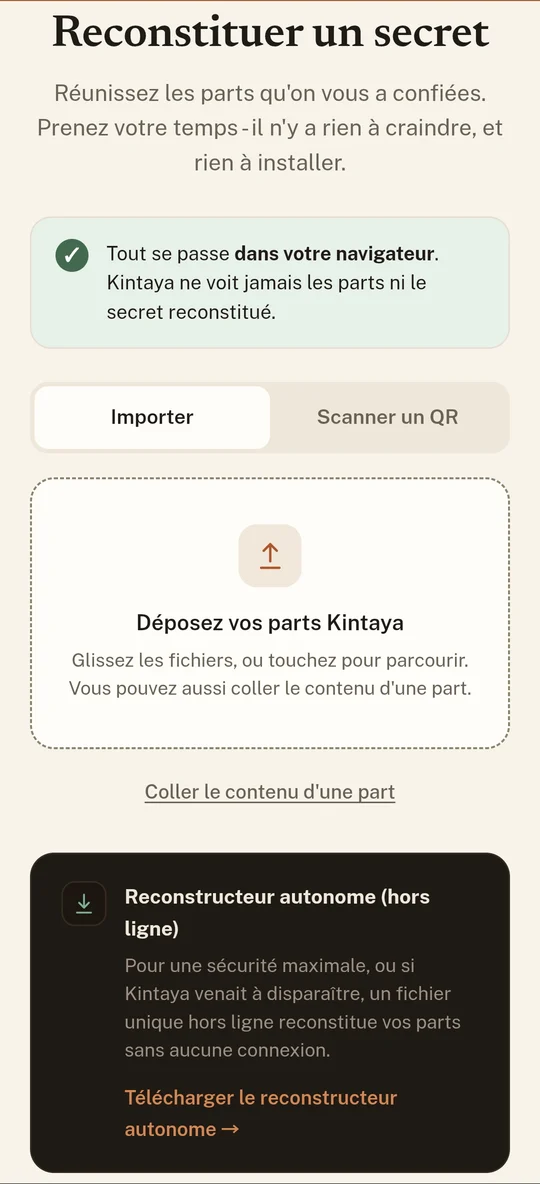
A web and mobile platform to entrust what matters, at the right time, to the right people. Your secrets are split into encrypted shares on your device, then distributed among the people you trust. Reconstruction requires no account, and Kintaya never sees the shares or the secret.
# frequently asked questions
In your Microsoft 365 tenant, in SharePoint Online lists that belong to you. The apps and their flows run in your Power Platform environment. No data is sent to a Bret Software or third-party server: you keep control of access, backups and retention. The only exception is the multilingual option of Digital & AI Hub, whose automatic translation uses the Microsoft Translator service.
No. Our apps only use standard Microsoft connectors and store no data in Dataverse. Microsoft 365 licences that include Power Apps and Power Automate are enough, for users as well as for the technical account that runs the flows. Apps delivered as a Power Platform solution only need an environment with Dataverse to be imported.
One day. We install the app in your tenant, configure it and support your administrators. On your side, you just need to set up a SharePoint site, the required accounts and your initial settings. One month of hypercare follows go-live.
Microsoft evolves Power Apps, Power Automate and SharePoint at no cost to you. New versions of our apps, fixes and enhancements are delivered under an application maintenance contract, on quotation.
Pricing depends on the app and your scope: the licence is tailored to your organisation, on quotation. Installation and the first month of hypercare are carried out by us. The easiest way is to talk it through during a demo.
We show you the app in a demo environment, then look at your context: scope, licences, timing.


